
Gidget the Surfing Dog – Photo Editing a Children’s Book
For this photo-driven nonfiction picture book from Little Bigfoot, I served as photo editor and visuals project manager, shaping thousands of images from five photographers into a clear, energetic story about a surfing pug. I also built a full InDesign book dummy for the publisher, which guided the final layout and reduced workload for both the author and designer.
My Role: Photo Editor • Visuals Project Manager
Little Bigfoot
ISBN-10 : 1632172712
ISBN-13 : 978-1632172716
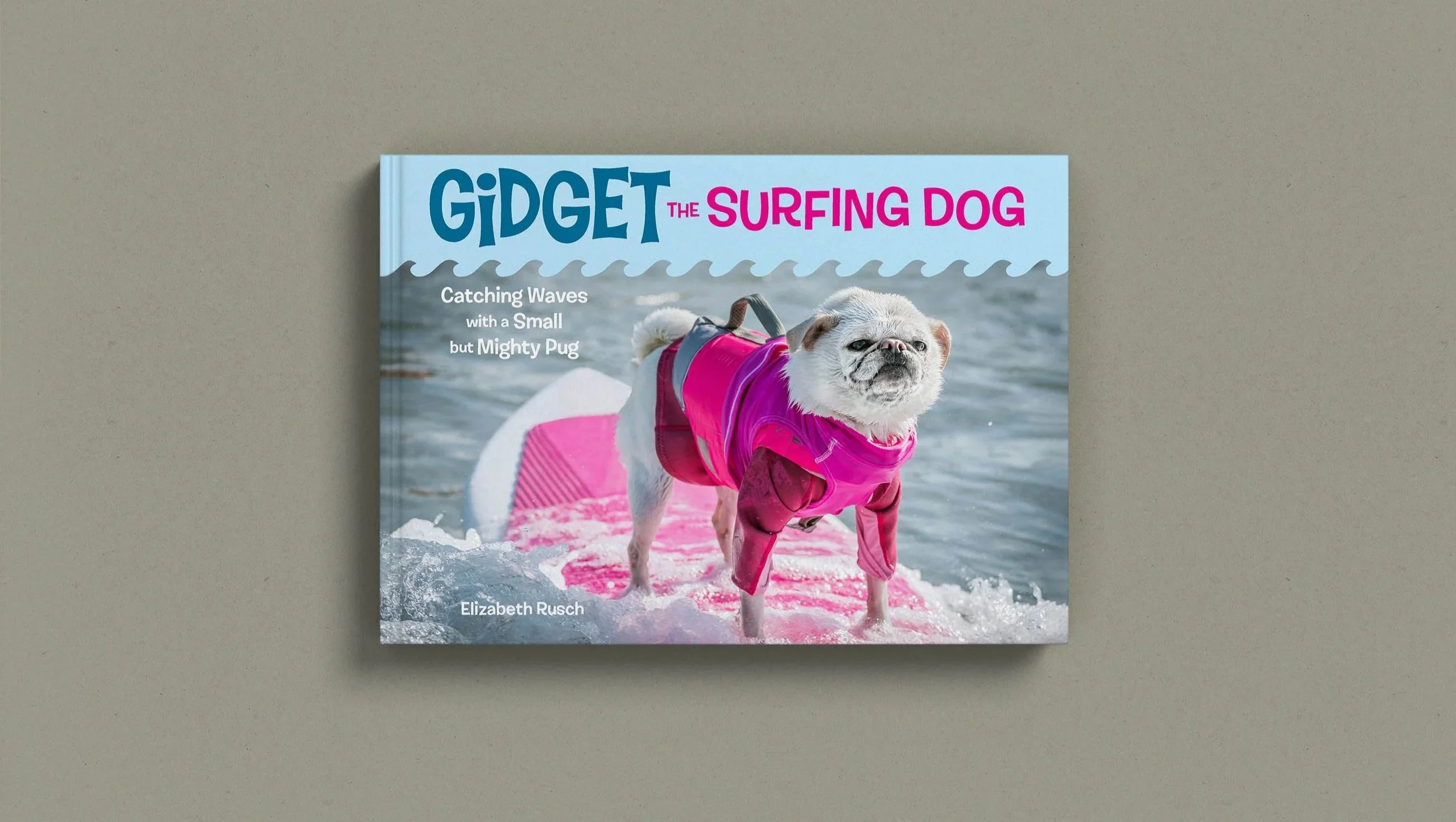
These days, people think photo editing is little more than altering the color balance in images. But in reality, creating a compelling visual story with images — a story that makes you want to turn the page while it equally supports the words — is delicate balance of selecting the right photos, putting them in the right places, and using them at the right sizes.
Effective Photo Editing is about creating a melody and establishing a rhythm using images. This is done by utilizing their collective components — light, moments frozen in time which communicate emotion, and composition — to build that music. Here’s how I did that.
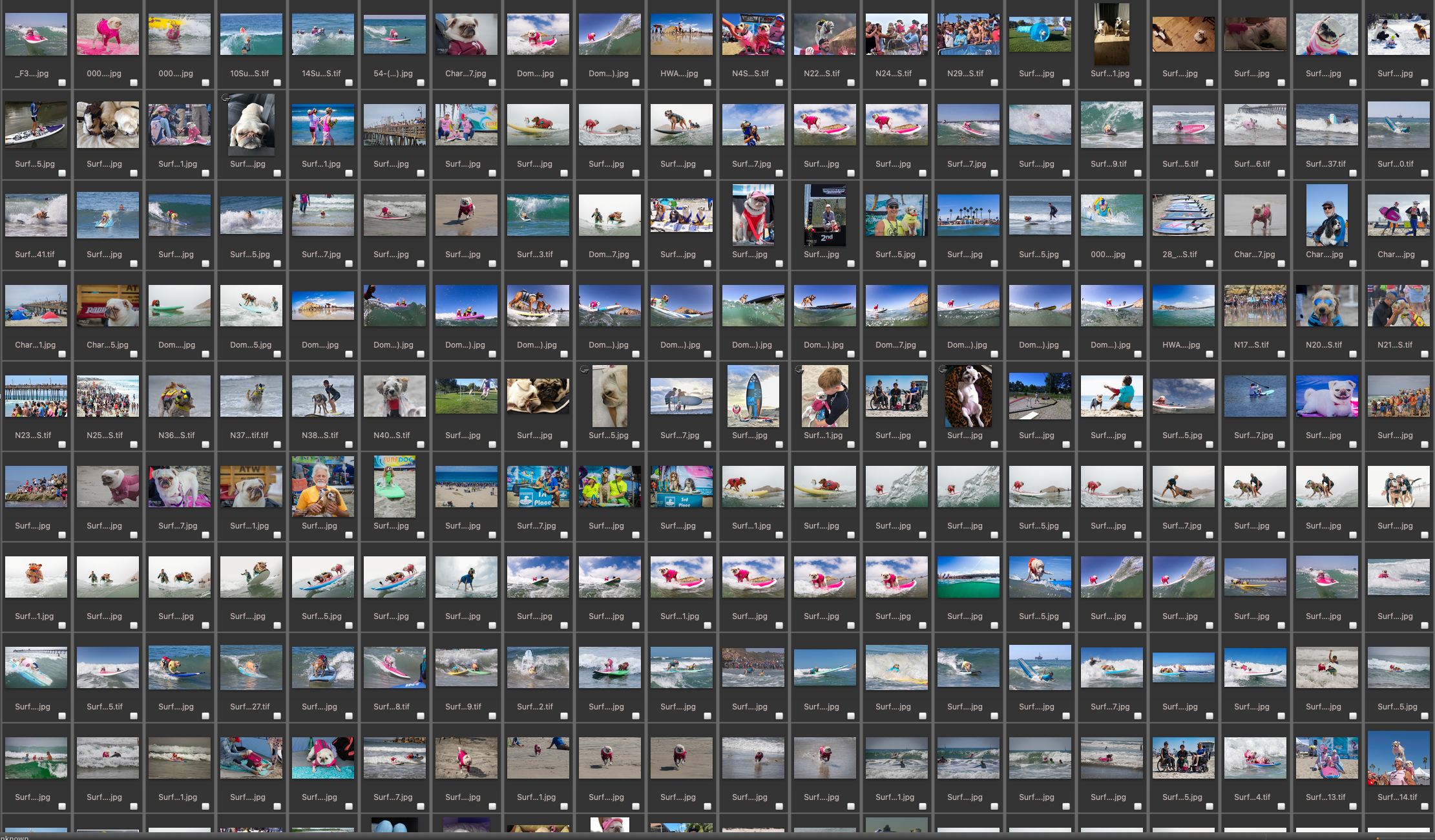
Five photographers and thousands of images to go through.
For this book, I decided the final product would best be supported if I created a dummy of the entire book. This had several benefits:
The designer could use the dummy as a direct visual guide.
It eliminated a laborious step the author would normally take of documenting where each image was to go in the layout.
While it did make more work for me, it ensured the picture edit would not be misinterpreted, and we’d spend less time going back and forth, so really it was a win-win for everyone.
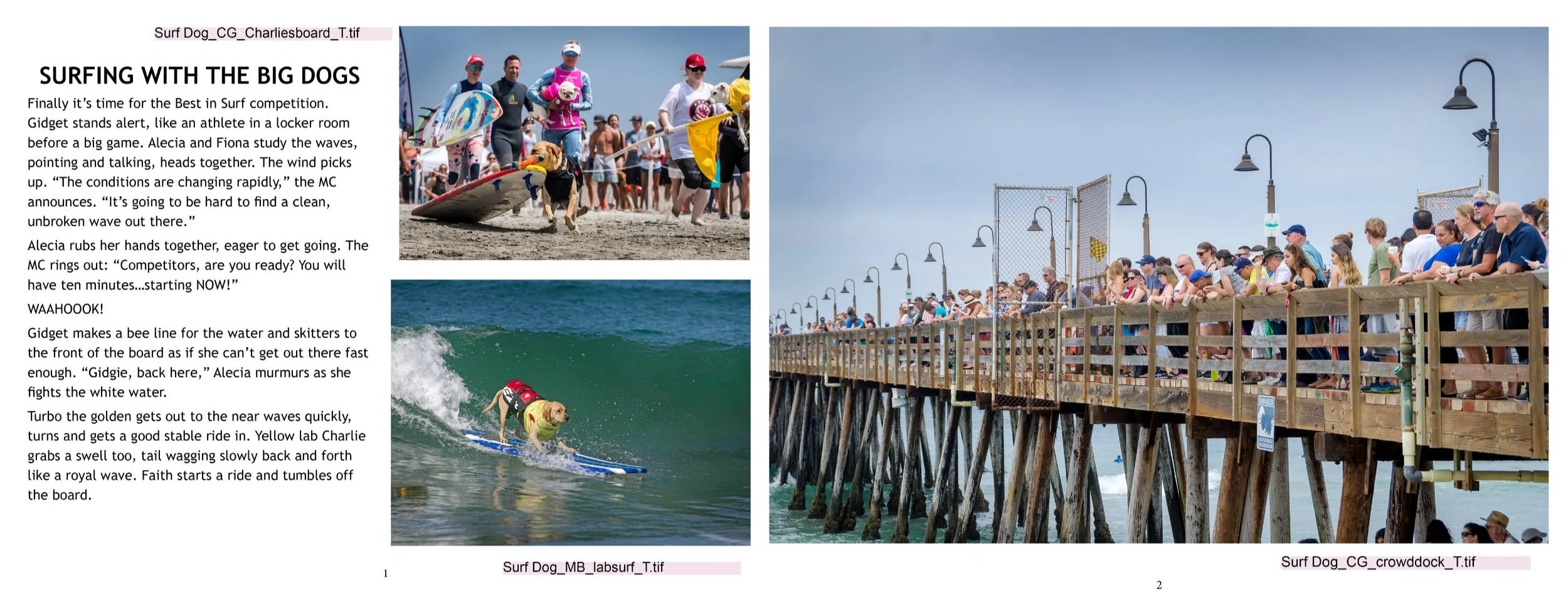
Using a wireframe I sketched (above), I laid out a book dummy in InDesign. This wasn’t meant to look fancy (that was the book designer’s job!) I then gave this dummy to the publisher, who used it as a working copy.
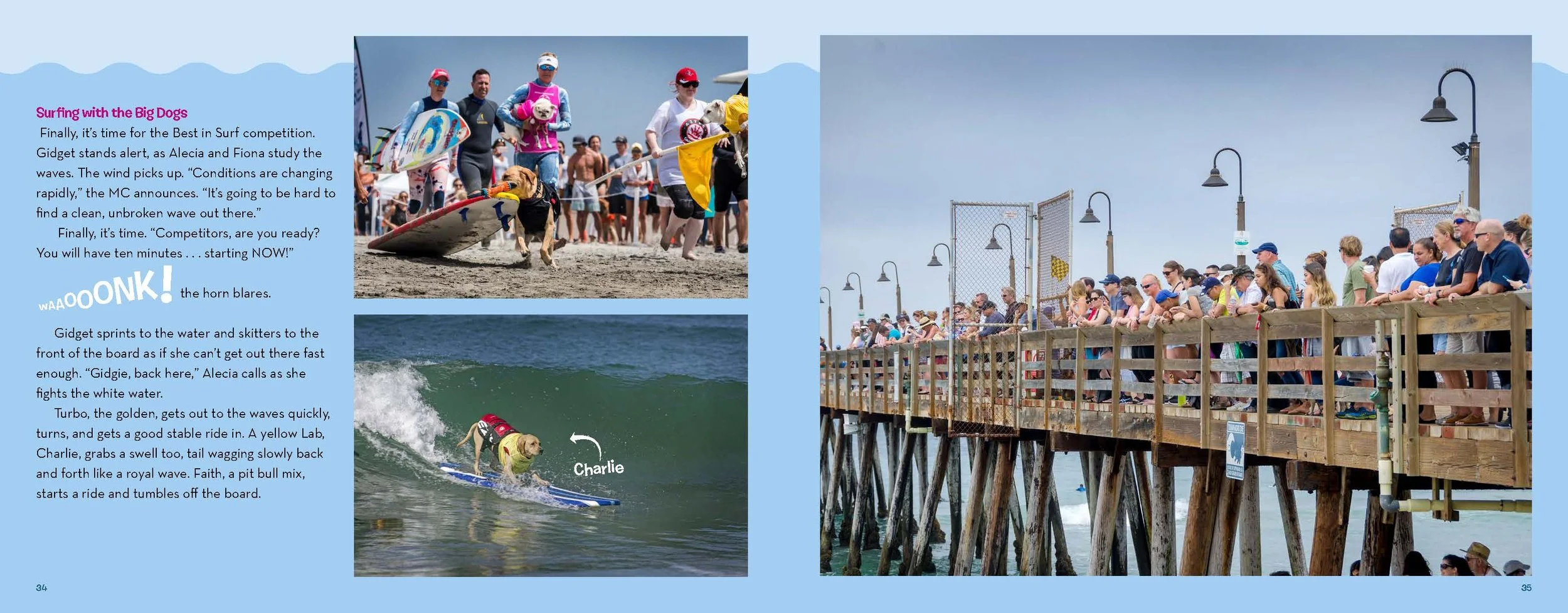
This is a pdf from the final book layout and what you would see if you ordered the actual awesome book ;-).
Regarding the photo edit:
A mixture of images with both simple and more complex compositions makes the spread feel more dynamic.
The directional energy and compositions of the images are facing each other — into the spread/towards each other — to create cohesion between them.
Selecting a mixture of images — some with one, some with a few, some with many people — makes them more easily read because the eye is guided in a circular motion around the spread.
I compensated for the lack of clear emotion in these action-only images by using them more as graphic elements to collectively communicate energy, which then results in a more emotive feeling.
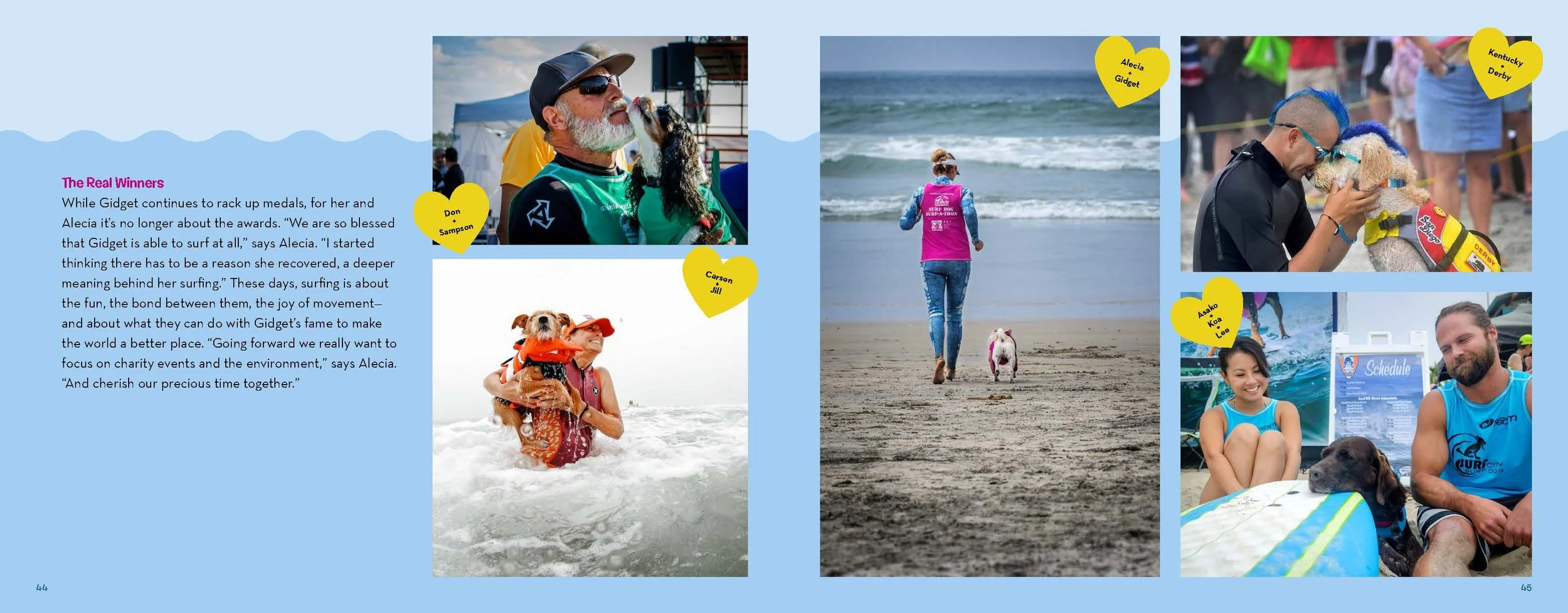
And finally…..regarding the photo edit:
Where possible, I chose images that exhibited an emotive quality to make the spread feel more dynamic and approachable for young readers.
Again — here I selected images that had a variety of compositions to help the eye travel from one to another.
Gidget is the most important character, so I put her in the center; from there, I looked for other warm and fuzzy photos, which looked different enough from each other so that they weren’t redundant
Varying the distance from the camera to the subject (tight, medium, and wide compositions) also helps the eye to travel.
What People Are Saying
"The book's vibe is energetic and peppy, just like its protagonist"
— Kirkus
“The photography showing Gidget and her surfing competitions is charming and dynamic. . . . Readers can’t go wrong with the sheer kid-appeal of a surfing pug.”
— School Library Journal